Denali Terrain
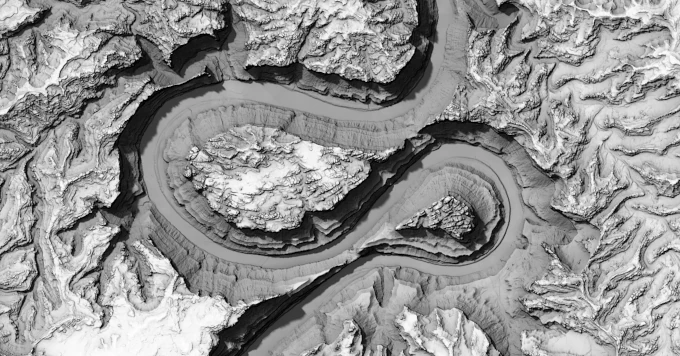
This notebook implements an interactive 3D terrain viewer from scratch using WebGPU. It connects to a couple different data sources to render worldwide terrain an imagery, but it’s definitely got some issues, so although it implements some fun tools like slope shading and physically (more or less) accurate shadowing, I can’t emphasize strongly enough that you really shouldn’t be using this as any sort of guidance for outdoor activities.
Elevation data is served by Mapterhorn, which aggregates over 150 open elevation datasets, see mapterhorn.com/attribution for the full list of sources. Satellite imagery is the Sentinel-2 cloudless mosaic by EOX. Peak locations are sourced from OpenStreetMap. The West Buttress route comes from OpenStreetMap, and the FKT route comes from Jack Kuenzle’s 2023 FKT.
The renderer implements terrain, imagery, basic GeoJSON features (no vector tiles! but you can drag and drop GeoJSON onto the renderer), and single-scattering atmospheric lighting. The atmosphere uses Rayleigh and Mie scattering, inspired by wwwtyro/glsl-atmosphere and GPU Gems 2, Chapter 16. Shadowing is based on the horizon visibility algorithm from Line-Sweep Terrain Lighting.
But let’s be clear, this is a totally half-baked one-off ad hoc renderer. It uses way too much data and it’ll probably crash your phone. But it’s kinda fun to tinker with anyway.
| Input | Action |
|---|---|
| Drag | Pan |
| ⌘+Drag / Right-drag | Orbit |
| Ctrl+Drag | Pivot (look around) |
| ⌥+Drag | Zoom |
| Shift+Drag | Pan (camera plane) |
| Scroll | Zoom |

Comments